Ten Key Points to ensure a Successful Website
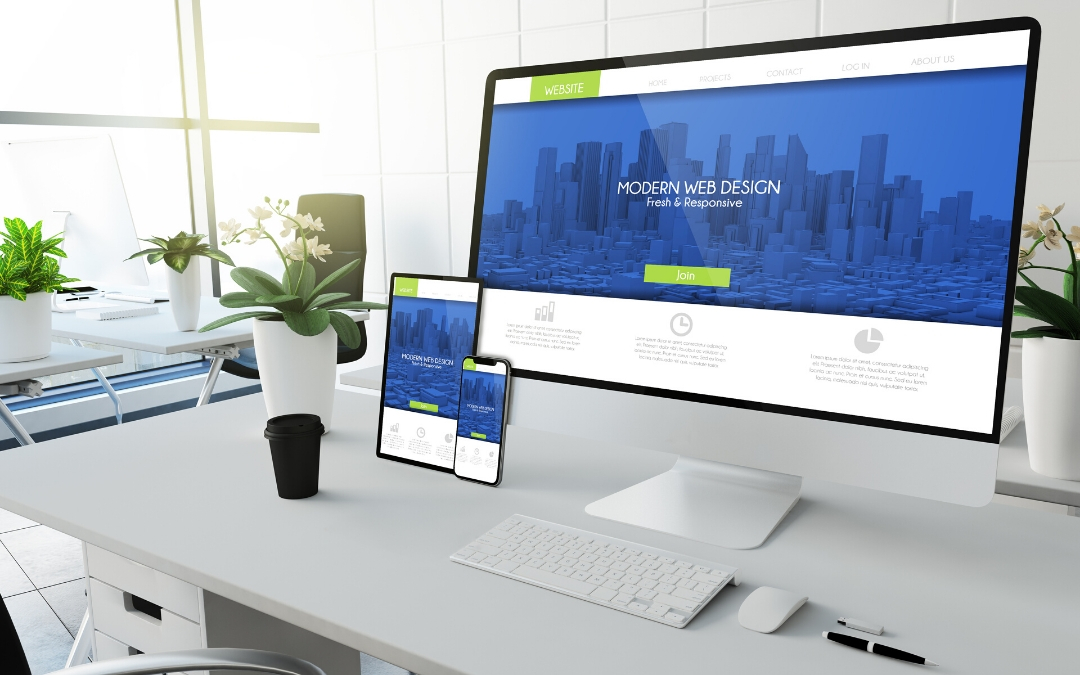
After more than 10 years of web design, online marketing experience and dealing with clients with different requirements, I’ve managed to identify the key factors involved in the creation of a website. Here are my ten key points that I follow to ensure your new website will be successful.
1. Easy on the Eye
Your website should look professional and polished. It’s important to choose an appropriate colour scheme with just 2 or 3 primary colours and use appealing graphics and high-quality photographs. Balance the content with white space to make the content easy to read. Your website’s appearance should not distract attention from its written contents but rather be complementary to them. In a nutshell, make it beautiful, use neat fonts, don’t clutter it up and use eye catching images.
2. Easy Navigation
Make sure every page is accessible. I tend to place a menu bar at the top of each page and making it fixed so as the visitor scrolls down the page the menu bar stays in view ensuring the visitor can still access other pages.
3. Homepage design with clear company information
The homepage is usually the first page the visitor arrives so it’s important to display your company information / services and be clear about who you are and what you do, otherwise they won’t spend too much time on your website. Make sure your content is clear and precise. Including complex and redundant design elements and using fluffy statements to talk about your company will put visitors off.
4. Make sure you have a call to action button
The whole point of your website is to attract more business and to get your visitors to take action. Think of your website as a lead generation tool that will convert visitors into customers. Telephone numbers, contact us links, forms, subscribe to your email, sign up for your service, or purchase a product should be visible and clickable on your homepage /landing page. I do like to include a call to action on every page to make it as easy as possible for your visitors to get in touch.
5. Contact Information
Your contact page should display your address, phone number, a contact form and a Map to show your location but to make it easy for your potential customer to get in touch, I like to display your contact telephone number and email on every page of your website.
6. Registering your business on Google Places
I strongly advise all my client to register their business on Google Places if they haven’t already. This is an easy way to increase your website visibility and get more customer leads.
7. Social Media Links
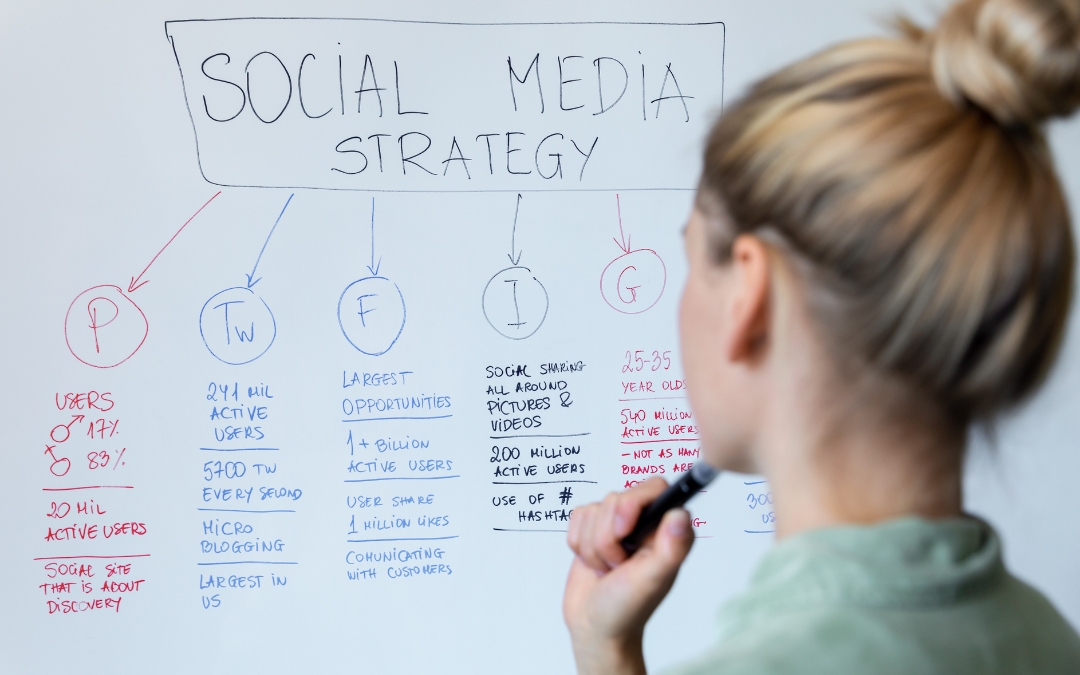
Make sure you have links to all your social media profiles on your website. If you are not on Social Media then you are way behind – get in touch and I will help you set up.
8. Customer Reviews and Testimonials
I always ask my clients to get testimonials if they can. It’s important to display your client’s positive comments about your service as it makes your service look trustworthy and reliable.
9. Strong SEO
SEO is a continuous task and it’s important to keep your website fresh with new content. This can be difficult for those who just want to display their services but I always stress the importance of having a blog section. I recommend posting relevant content, case studies and news about your industry on a regular basis.
10. Responsive to all browsers
This is so important and not always easy. What looks good on a widescreen desktop won’t look good on smart phone’s browser or a tablet. Its all about tweaking the margins and the padding and making the website fluid and flexible so it will adjust according to the screen size.
GET IN TOUCH WITH ME TODAY TO DISCUSS YOUR WEBSITE DESIGN REQUIREMENTS.
More from my Blog

Beware of the China Domain Name Registration Email Scam
Today, like countless other business owners, I received an email that immediately set alarm bells ringing. The subject line was vague, but the opening lines were designed to create a sense of urgency: Dear Manager, (Please forward this to your CEO, because this is...

Decoding the Hash: Why You Need Tags and Hashtags in Your Social Media Posts
Have you ever scrolled past a captivating post with zero engagement? It's a social media bummer! To boost your reach and connect with your target audience, hashtags and tags are your secret weapons. But what's the difference, and how do you use them effectively? Fear...

Don’t Be a Follower, Be a Trendsetter: Why Your Business Needs TikTok
Gone are the days of TikTok being solely a platform for lip-syncing teens and dance challenges. Today, TikTok boasts a massive user base spanning all demographics, making it a goldmine for businesses looking to connect with a younger audience, boost brand awareness,...

Gram Up Your Business: A Guide to Conquering Instagram for Brand Success
Instagram, the land of captivating photos, drool-worthy food pics, and endless travel inspiration, is more than just a platform for personal snaps. It's a goldmine for businesses looking to connect with customers, build brand awareness, and ultimately drive sales. But...

Mastering the Social Media Ad Game: Dos and Don’ts of Paid Promotion
Social media advertising holds immense power for businesses of all sizes. It allows you to target specific demographics, showcase your offerings to a wider audience, and ultimately drive conversions. But navigating the world of paid social media can feel confusing....
Simple SEO Strategies to Supercharge Your Website
Search Engine Optimization (SEO) can feel like a complex beast, shrouded in mystery and technical jargon. But fear not, website owners! Here's a breakdown of some straightforward SEO tactics you can implement to get your website noticed by search engines and potential...

Why Your Website Needs a Blog: Grow Audience, Credibility, and Sales
In today's digital landscape, a website is practically a necessity. But what if I told you your website could be even more powerful? A well-maintained blog can be a game-changer, offering a treasure trove of benefits for your business or personal brand. Here's why...

Key Steps on How to Build a Website
Its important for your business to have a website. If you don't sell online or offer an internet service you might not think your business requires one, but a website can serve as an extension to your business card and contain information about your business and...

Case Study: Floral Dance Florist, Ilkley
Floral Dance was an idea that soon became a reality for my client Angela Naylor who is the successful owner of Floral Dance. On a chance meeting on a night out in Ilkley I told her I was a Web Designer and she told me she wanted to open her own floristry business. ...
Case Study: The Slime Company
I set this business up for my daughter and thoroughly enjoyed designing the logo and branding the business. Once the logo was agreed we could then work on the website. The Website is built on the Wordpress platform with an ecommerce function. Using WooCommerce and a...

On page SEO – Search Engine Optimisation
On page SEO is important because the search engines need to read your website content. If you are not technically inclined in making your website search engine friendly then you can hire someone to do the work for you. That someone could be me. Yes, let me help...

WordPress Plugins – The Top 50 of 2016
Wordpress Plugins are an easier way to add to functionality to a WordPress website without having to do that extra bit of coding. There are endless options available, premium and free to help you build your website. A wordpress plugin is a great way of adding...

Business Blog – Lets Get Organised
There’s so many blogs out there that have been forgotten about and left floating around unseen on the World Wide Web. So many companies have started a business blog and then not posted anything. They started with good intentions of posting regular articles and then...

New Website for Local Dog Walking Business in Ilkley
If you are looking for a local Website Design Service in West Yorkshire, Ilkey, Leeds or surrounding areas please bear JCM Website Design in mind. I've just completed a new website for a local dog walking business in Ilkley - have a look: www.moorwalkiesuk.co.uk. My...

How to keep your website safe from hackers
I've been hacked a couple of times and had about 3 client websites hacked in the past. Its the most frustrating and sickening tragedy and the last time it happened I vowed that it would never happen again. More than anything, when you realise your site has been...